CoverageMap Open-Sources Its Internet Speed Testing Library
CoverageMap.com has always been about building real-world, crowdsourced network performance data collected from users around the world. That's why today, we're excited to open-source release of @coveragemap/speed-test -- a free JavaScript/TypeScript library that gives any developer access to CoverageMap's professional-grade speed testing network, protocol, and infrastructure.
Whether you're building a consumer app, an ISP diagnostic tool, or a backend network monitor, you can now run accurate, real-world speed tests from your own product -- completely for free.
Why We Built This
The CoverageMap mobile apps (iOS / Android) have always been the primary vehicle for collecting speed test data. But developers have been asking for a way to embed that same measurement capability into their own products, websites, dashboards, Node.js services, CLI tools, and more.
Building a reliable speed testing system from scratch is hard. You need:
- A distributed server infrastructure with nodes close to users worldwide
- A robust measurement protocol that isn't fooled by TCP buffering or burst behavior
- Accurate latency, download, and upload measurement phases supporting modern, multi-gigabit per second connections
- A system that works seamlessly in all types of environments
- A standardized, complex data format that contains all the necessary telemetry information you need
We already built all of that for CoverageMap. So we packaged it up, open-sourced it under the Apache 2.0 license, and put it on npm — free for anyone to use.
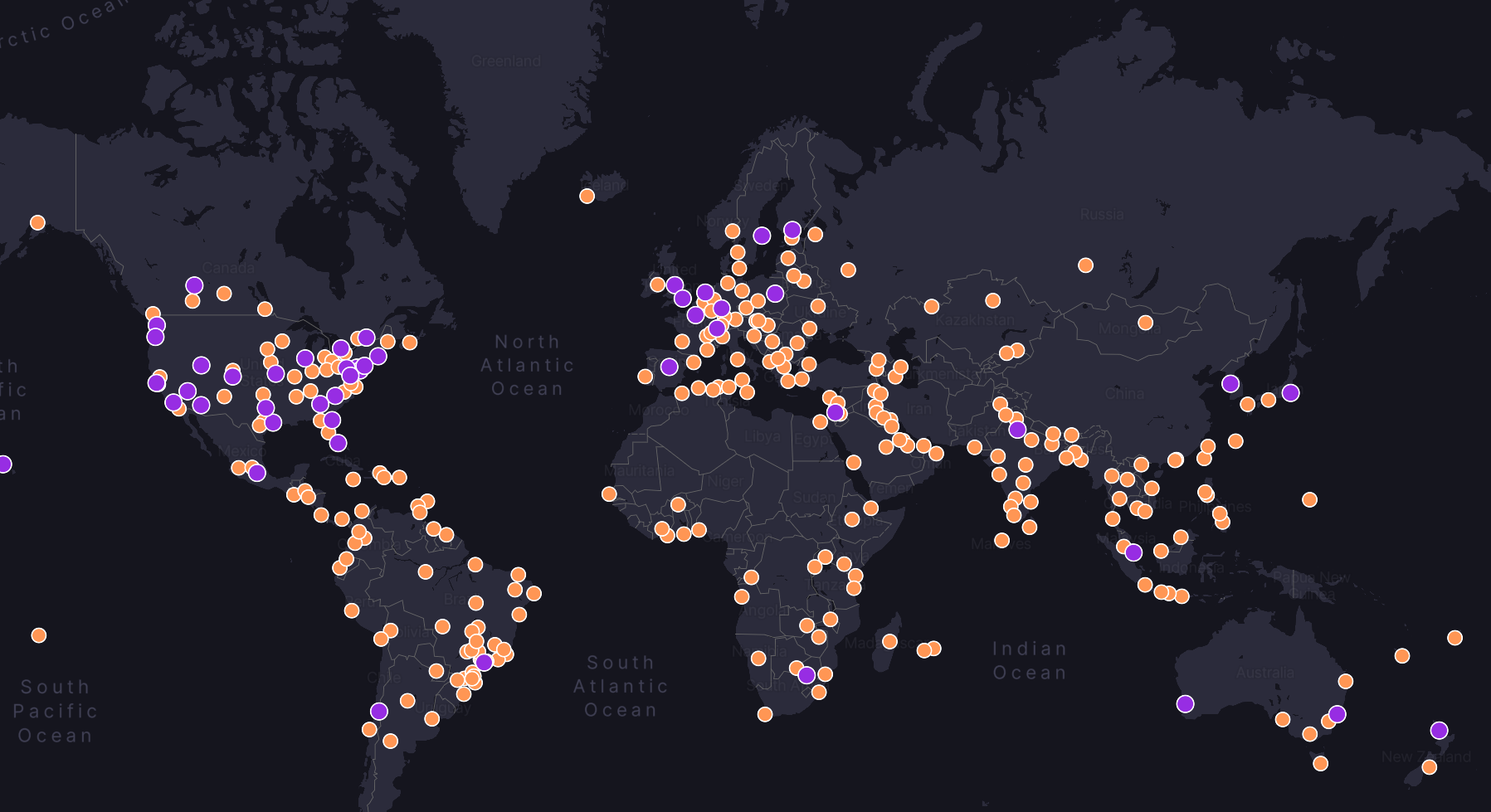
What the Library Does
@coveragemap/speed-test gives your application a full three-phase internet speed test, including the latency, jitter, download, and upload tests.
Under the hood, measurements use CoverageMap's custom WebSocket-based speed test protocol, which is optimized to cut through TCP slow-start, accurately saturate the connection, and produce stable, reproducible readings. The engine automatically selects the nearest CoverageMap server to minimize routing noise in your results.
Test results, including all measurement data, device metadata, location information, and your application identity, are saved to CoverageMap's systems, where they contribute to the crowdsourced coverage map. This is the symbiotic deal: you get free access to world-class infrastructure, and CoverageMap gets richer data to power more accurate maps.
When your users run a speed test through your app, the result is:
- Returned to you as a typed TypeScript object with all measurement data.
- Uploaded to CoverageMap where it is tagged with the device metadata, location, application identity, timestamp, and all the measured results.
- Incorporated into CoverageMap's coverage maps — contributing to the crowdsourced dataset that powers coveragemap.com.**
** While all tests are collected, not all tests are added to the map. Tests must satisfy certain conditions to be mapped.
Getting Started
Installation
npm install @coveragemap/speed-test
Requires Node.js ≥ 20. The library ships as ESM/CJS dual-format and works in modern browsers (via bundlers like Vite or webpack) and in Node.js.
Your First Speed Test
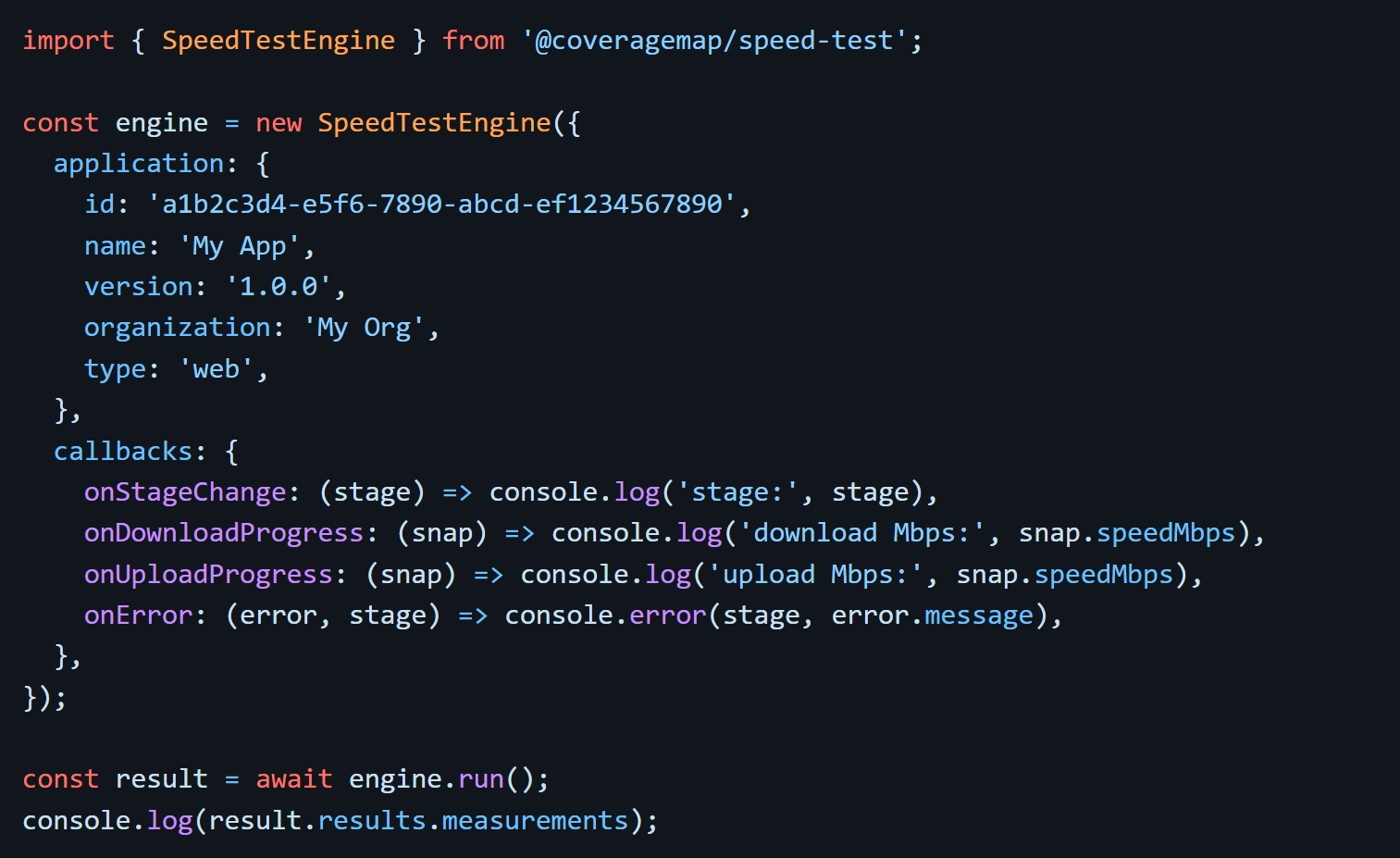
Adding the library to your code is as simple as creating a SpeedTestEngine, binding the application property, and calling run(). The application property enables CoverageMap and your system to uniquely identify the origin of the speed test for tracking.
Custom Providers
The library only has access to specific runtime information, so how can it get accurate location, network, and device information? That's where providers come into play. Providers allow for easy integration with external APIs and SDKs in whatever language or framework you're building in.
For a complete guide about providers, see the Providers docs.
The Location Provider
By default, the engine uses your IP address to infer approximate location. This isn't very precise, so if your app has access to precise GPS coordinates (e.g., from the browser Geolocation API or a mobile device GPS), you can provide them directly so that results are tagged with accurate coordinates.
The Network Provider
Override the detected connection type and technology metadata — useful when your app already knows the connection type (e.g., from a native mobile bridge) and you want that reflected accurately in results. The provider allows you to add highly detailed cell telemetry, Wi-Fi network information, and much more via external SDKs directly into your results.
The Device Provider
This provider controls how the engine identifies the device and assembles the device block in the result payload — things like device ID, browser name, OS, connection type, and host telemetry. The library attempts to grab this information if available, but chances are your app has lower level access to more detailed and accurate information. This allows you to pass that directly into the results
Use Cases
1. Consumer Speed Test Web App
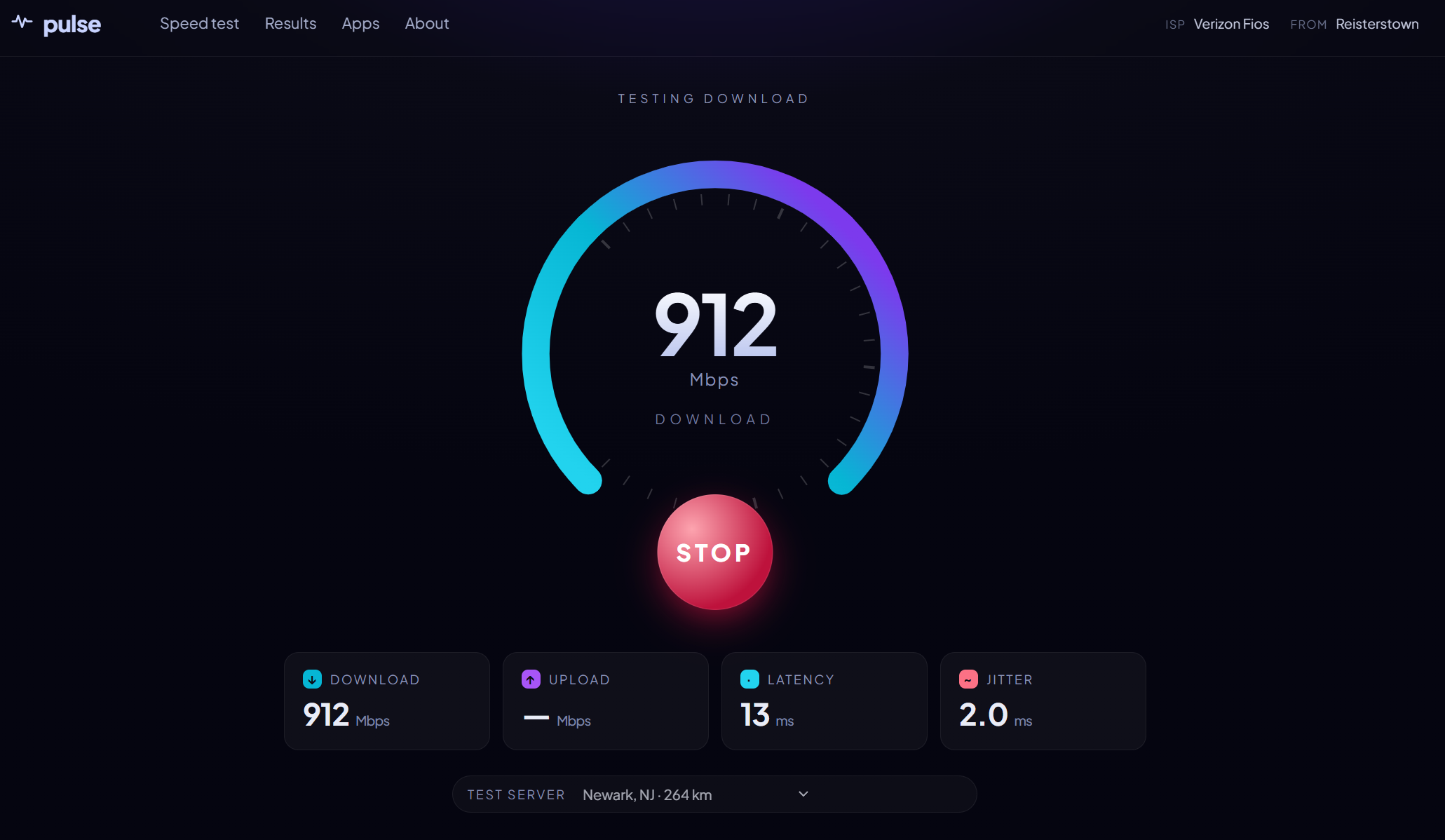
The most obvious use case — build a branded speed test experience at your own domain. Embed the engine in a React, Vue, Svelte, or plain HTML page and display live download/upload gauges, latency readings, and a final summary. No backend required; the engine runs entirely client-side.
2. ISP or Carrier Diagnostic Portal
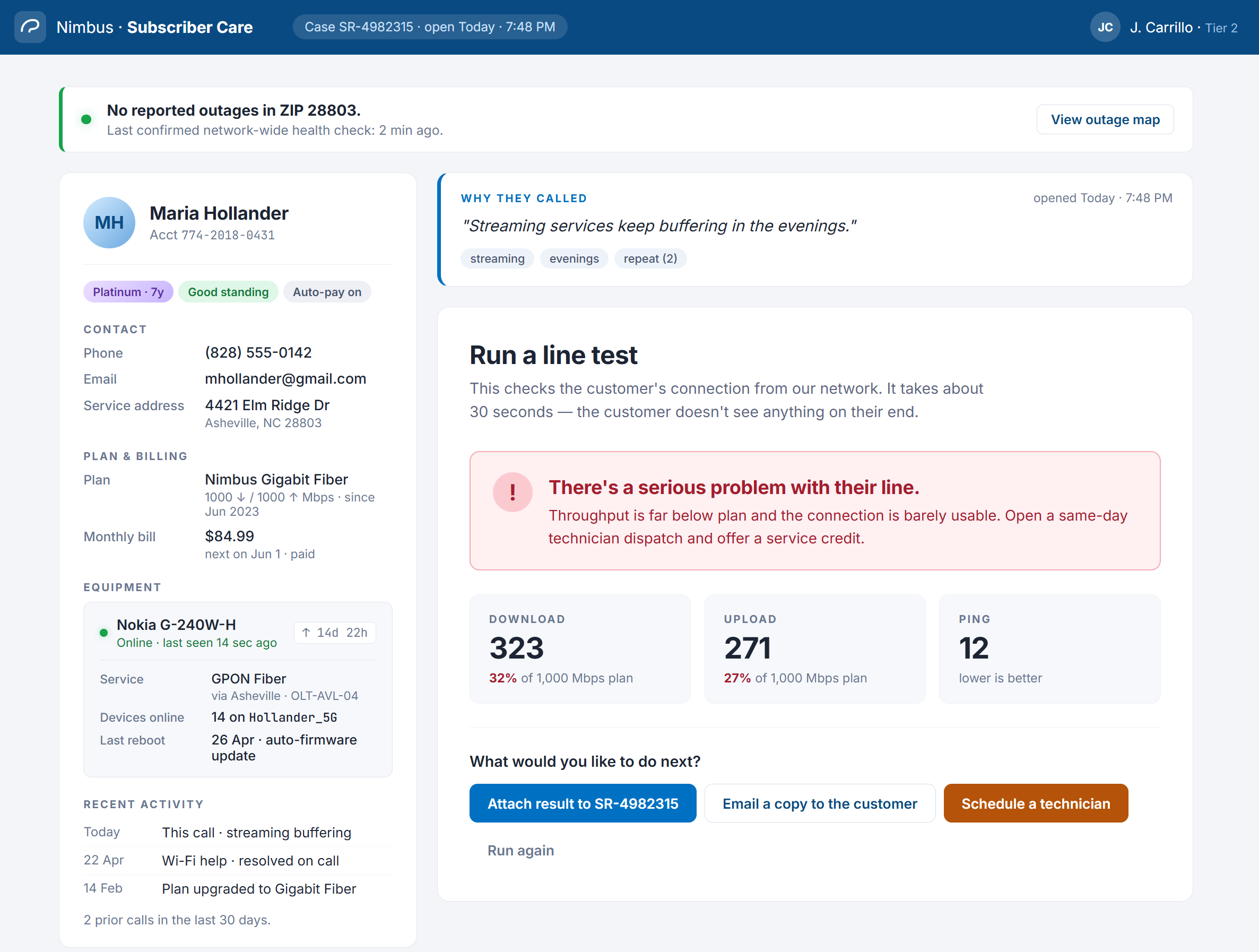
ISPs and mobile carriers can embed speed tests into their portals. When a subscriber reports a service issue, prompt them to run a test directly in the support portal. The results are automatically formatted with rich data, providing you with timestamped, geolocated performance data for that subscriber's connection.
3. Network Monitoring Dashboard
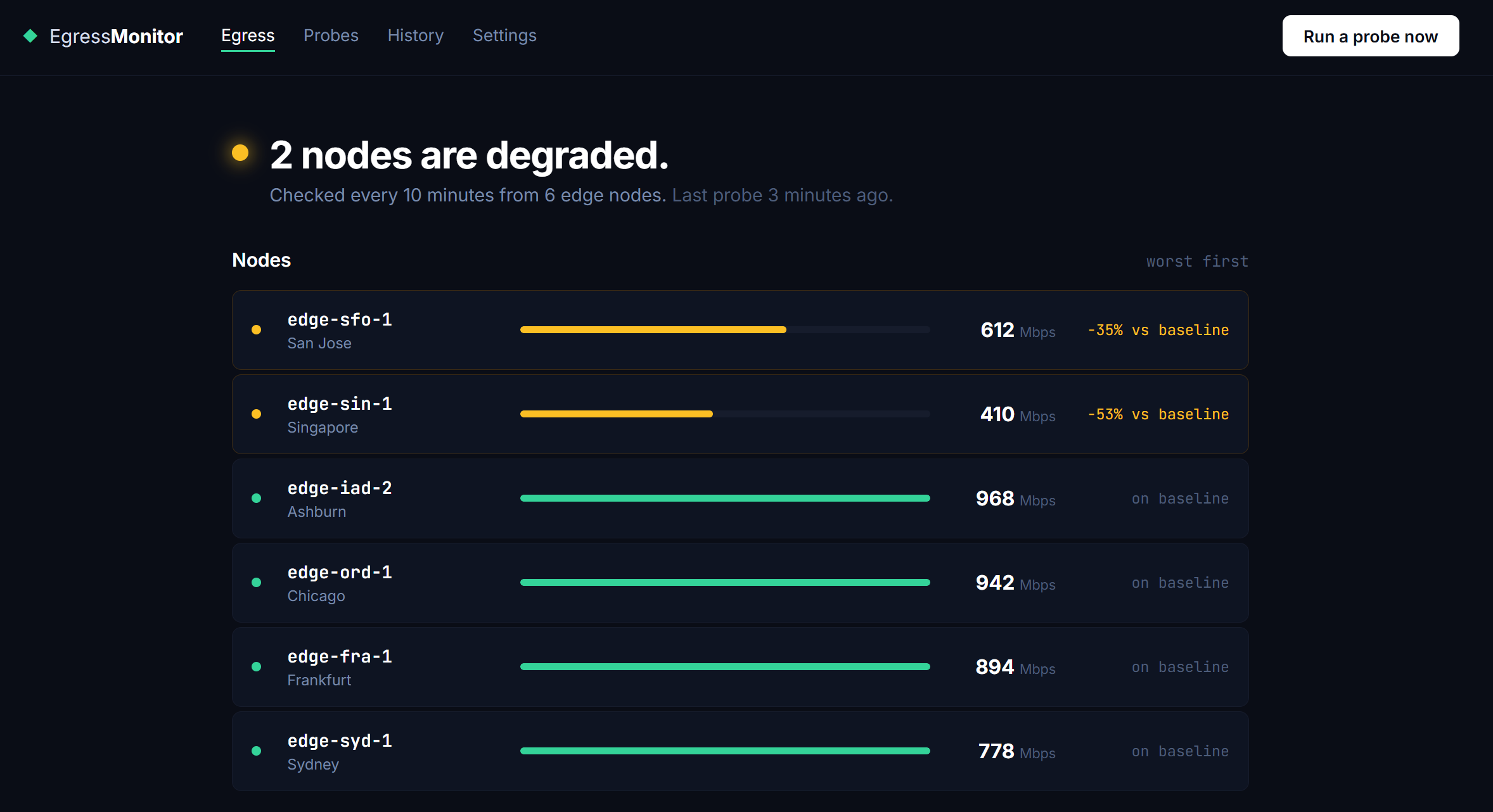
Use the Node.js backend mode to run scheduled speed tests from your servers or edge nodes. Set up a cron job to continuously monitor egress bandwidth from your infrastructure and alert on degradation.
4. Mobile Coverage App (via WebView)
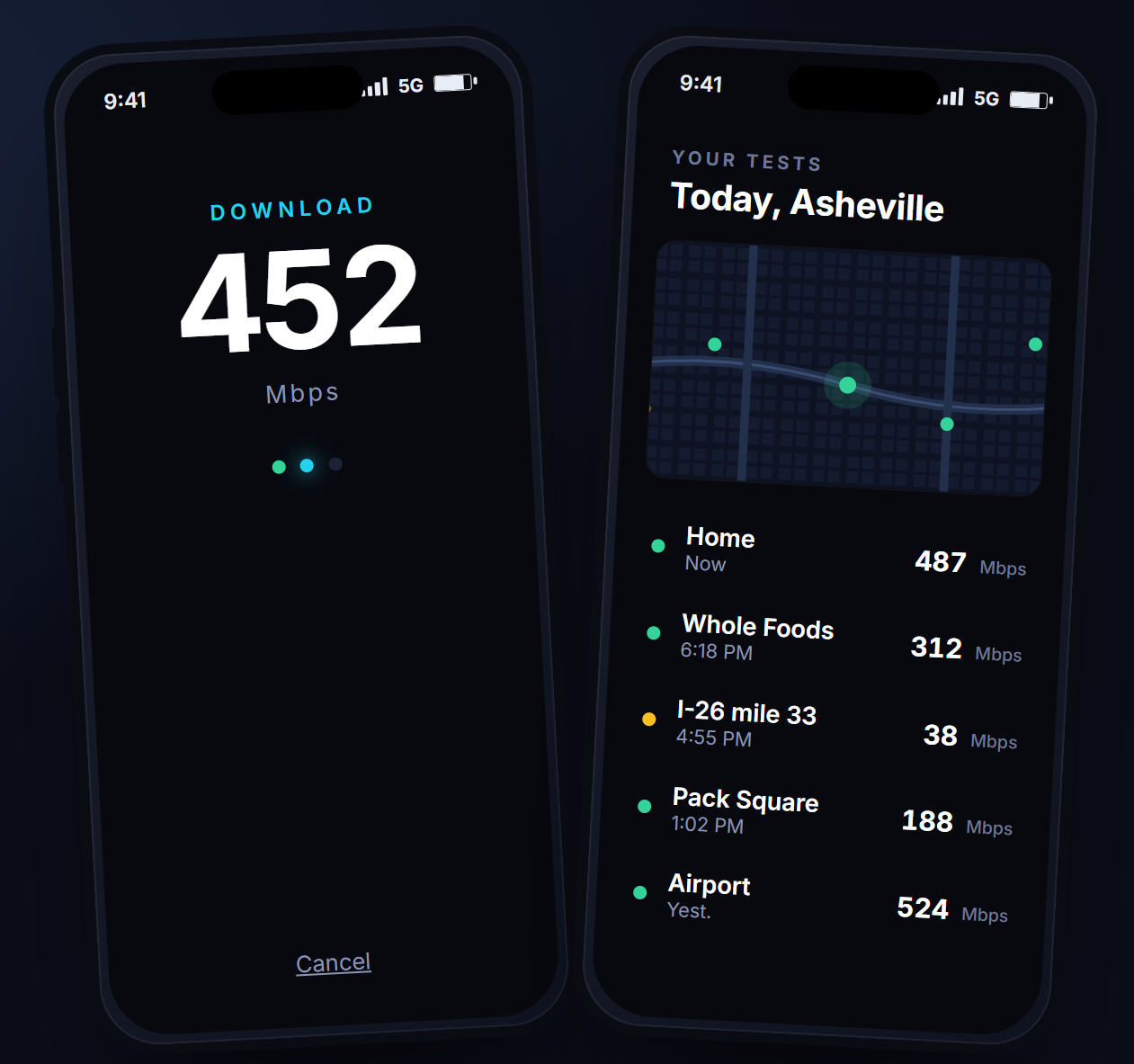
If you're building a hybrid mobile app with a WebView, the browser-mode library works inside WebView environments. Pair it with device location APIs and device's cell telemetry SDK to capture geolocated cellular measurements — exactly how the native CoverageMap apps contribute data to the coverage map.
5. Developer CLI Tool
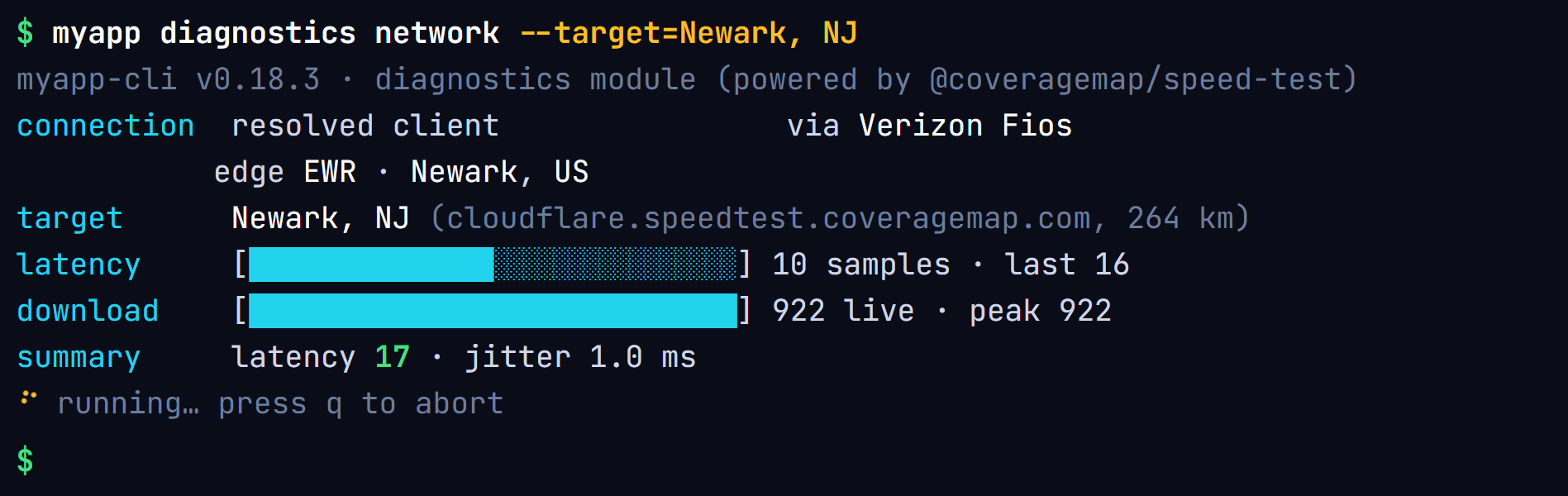
Wire the Node.js integration into a CLI — run myapp diagnostics network and get an instant latency/download/upload readout in the terminal. Useful for developer experience tools, devcontainer health checks, or deployment verification scripts.
6. Smart Home / IoT Gateway Monitoring
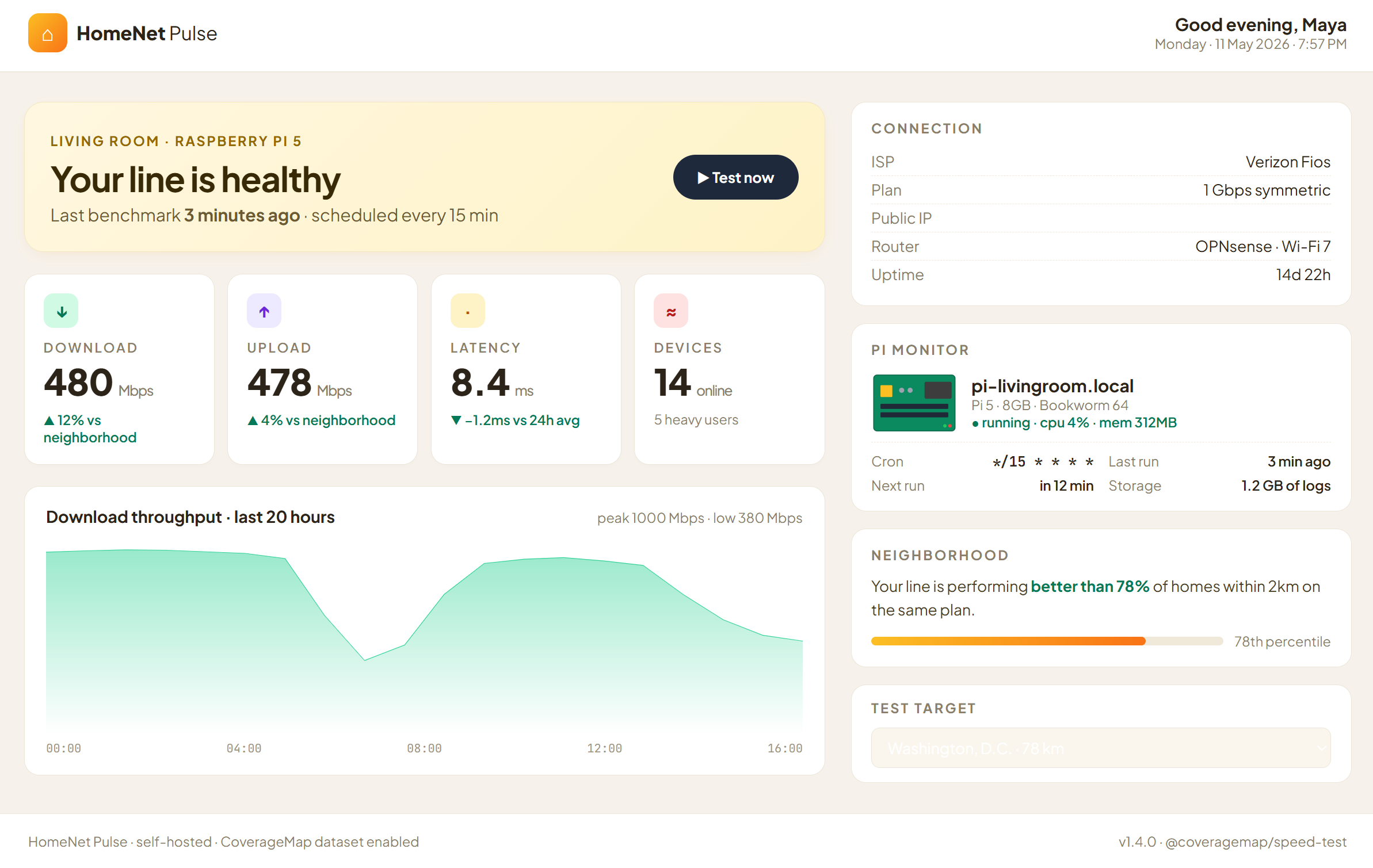
Run the Node.js backend mode on a Raspberry Pi or home server to periodically benchmark your home internet connection. Log results locally and visualize trends over time, or use the data to compare your connection against others in your area.
7. Academic Research & Data Collection
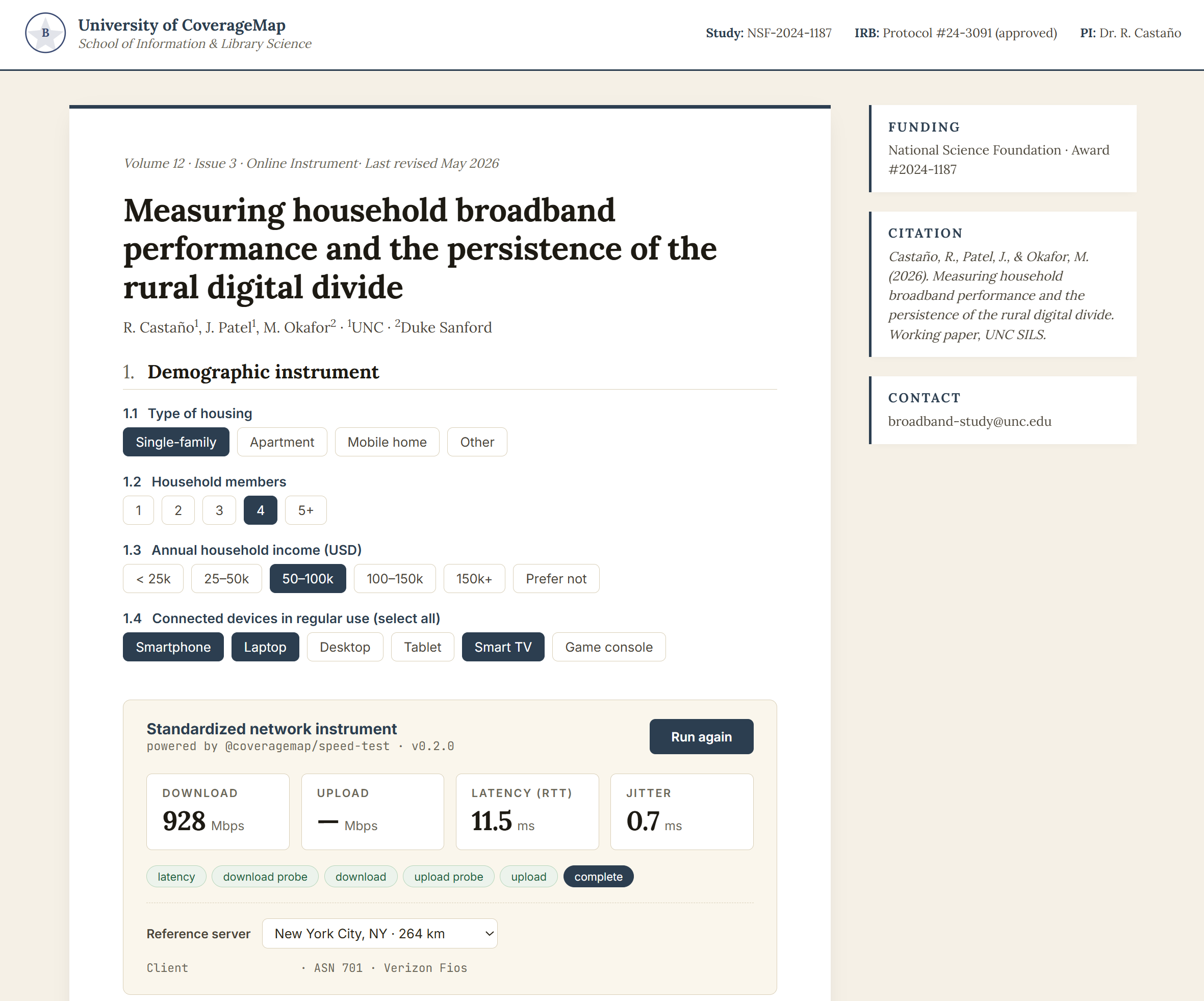
Researchers studying broadband access, digital divide, or network performance can build lightweight survey tools that capture a speed test alongside demographic data. Participants run a test through your web form, and you get standardized, reliable measurements without managing your own test infrastructure.
Fair Use
The infrastructure behind @coveragemap/speed-test is shared. To keep it fast and available for everyone, we ask that you follow our specific guidelines and detailed fair use policy laid out in the GitHub project, available here.
CoverageMap reserves the right to rate-limit or block any application ID found to be abusing the infrastructure. If you have a high-volume use case (e.g., large-scale automated ISP monitoring), reach out to the CoverageMap team to discuss your needs before deploying.
Open Source & Contributing
@coveragemap/speed-test is licensed under the Apache 2.0 license. You are free to use it in personal projects, commercial products, and open-source tools.
This is an early version of the library — bugs and rough edges are expected, so please don't hesitate to raise them via an issue.
Issues and pull requests are welcome — please open an issue first to discuss significant changes.
GitHub: CoverageMapLLC/coveragemap-speed-test
License: Apache 2.0
What Is CoverageMap?
CoverageMap.com is the platform behind one of the world's most detailed, crowdsourced cellular coverage maps. Available across multiple countries, CoverageMap aggregates data from over 14 million real-world cellular speed tests taken by real users in real conditions.
That data powers interactive carrier comparison maps, helping everyday consumers choose the right mobile carrier for their neighborhood. Every speed test run through the CoverageMap ecosystem, including through this library, contributes a data point to that global picture. When you build with @coveragemap/speed-test, you're not just adding a feature to your app: you're plugging into a living, crowd-powered network intelligence platform.