FCC Signal Strength Map
Compare coverage footprints between US carriers with data from the FCC Broadband Data Collection.
- Carriers
- AT&T, T-Mobile, and Verizon
- Data Source
- FCC Broadband Data Collection
- Technologies
- LTE and 5G
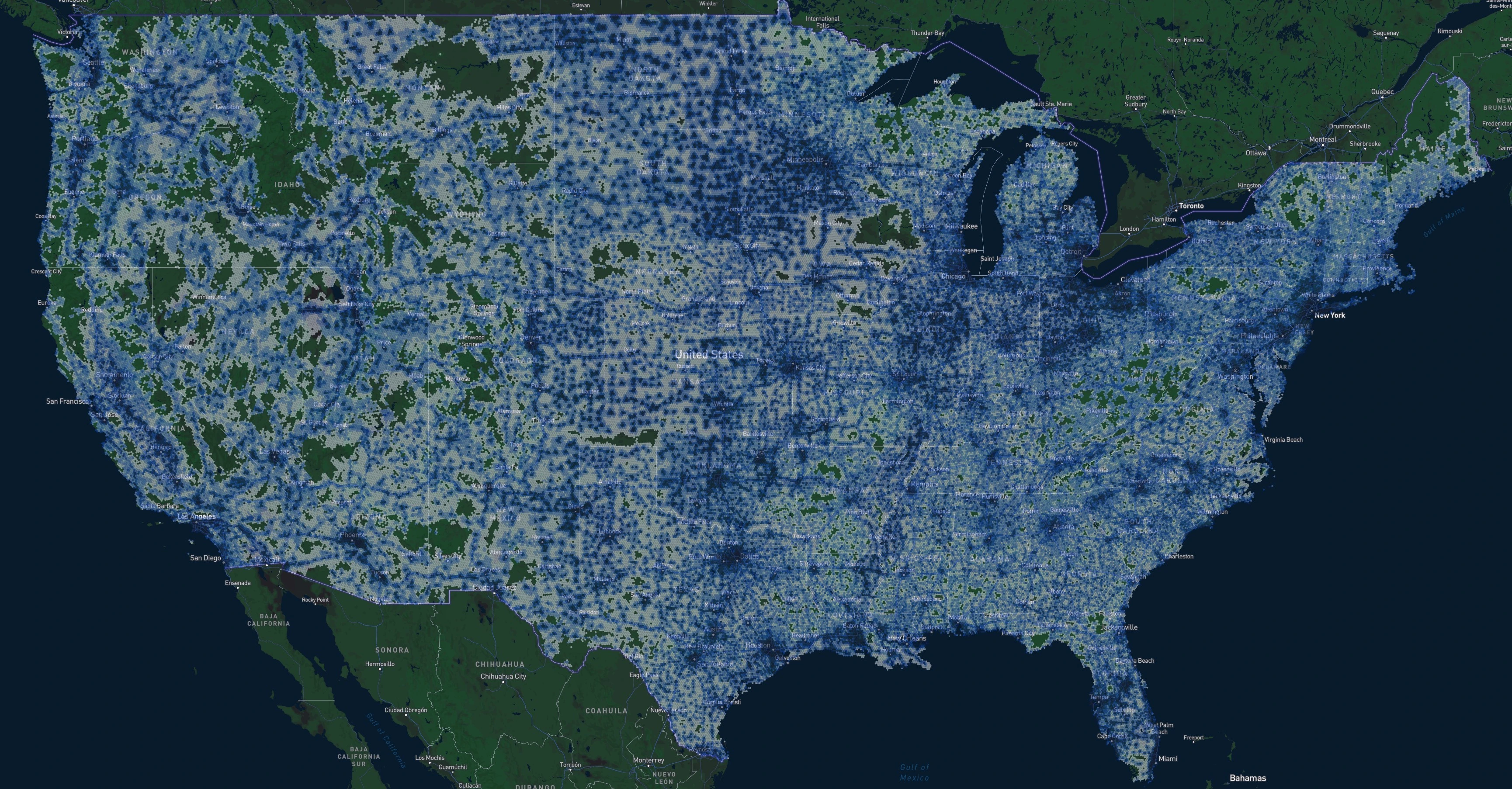
What is the FCC Signal Strength Map?
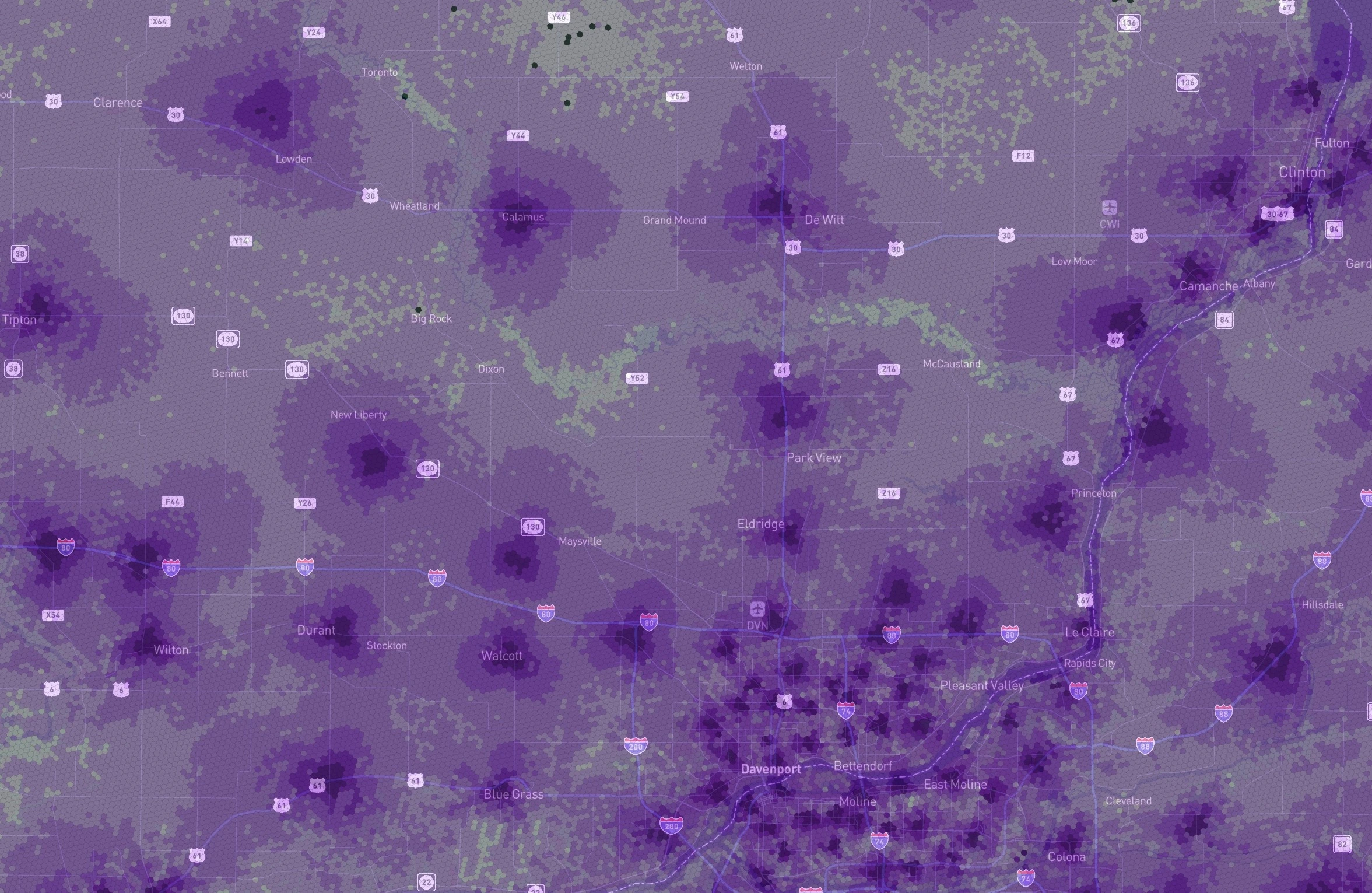
The FCC Signal Strength Map is an interactive map of the major cellular networks in the United States, including AT&T, Boost Mobile, T-Mobile, UScellular, and Verizon.
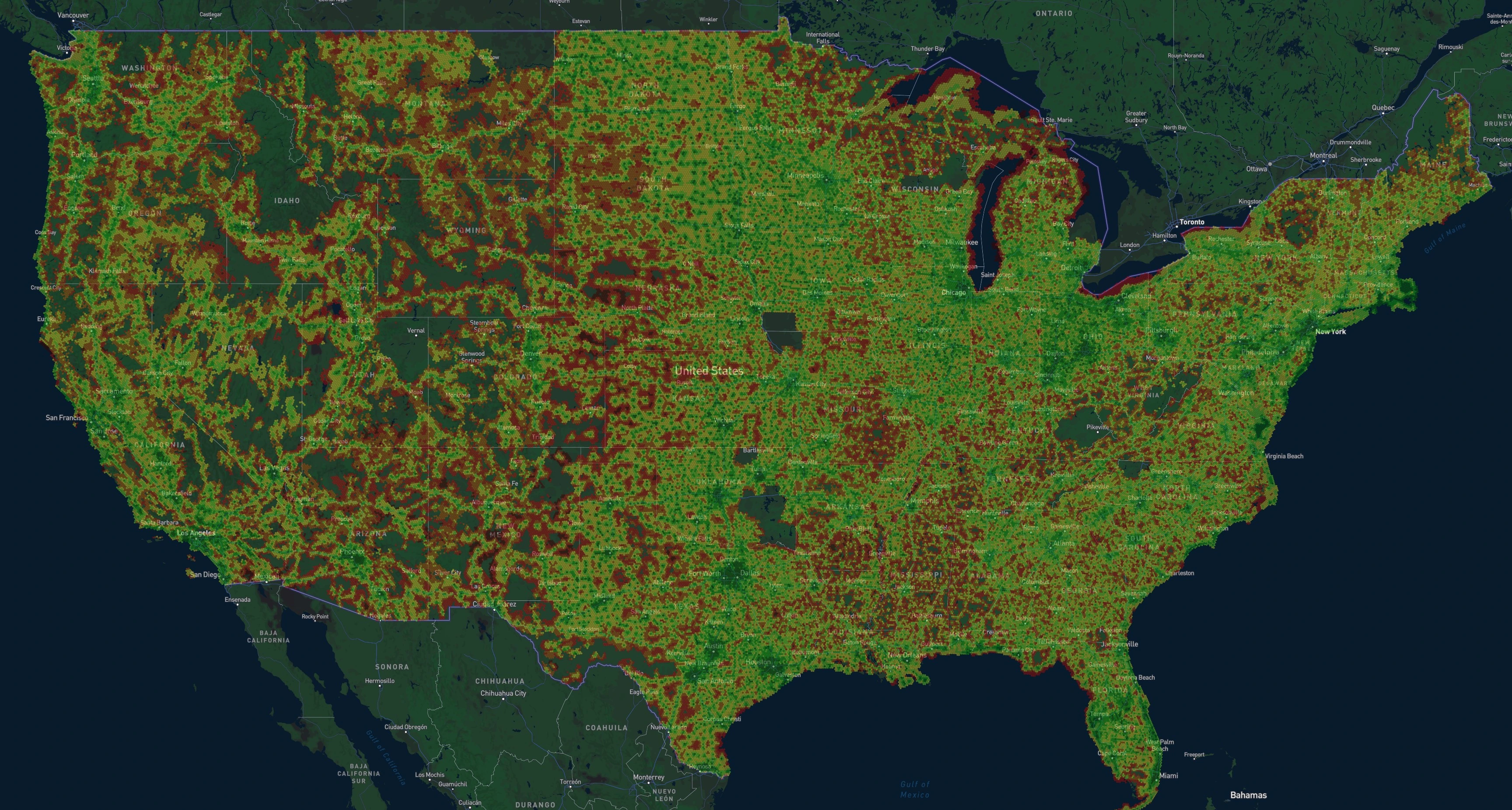
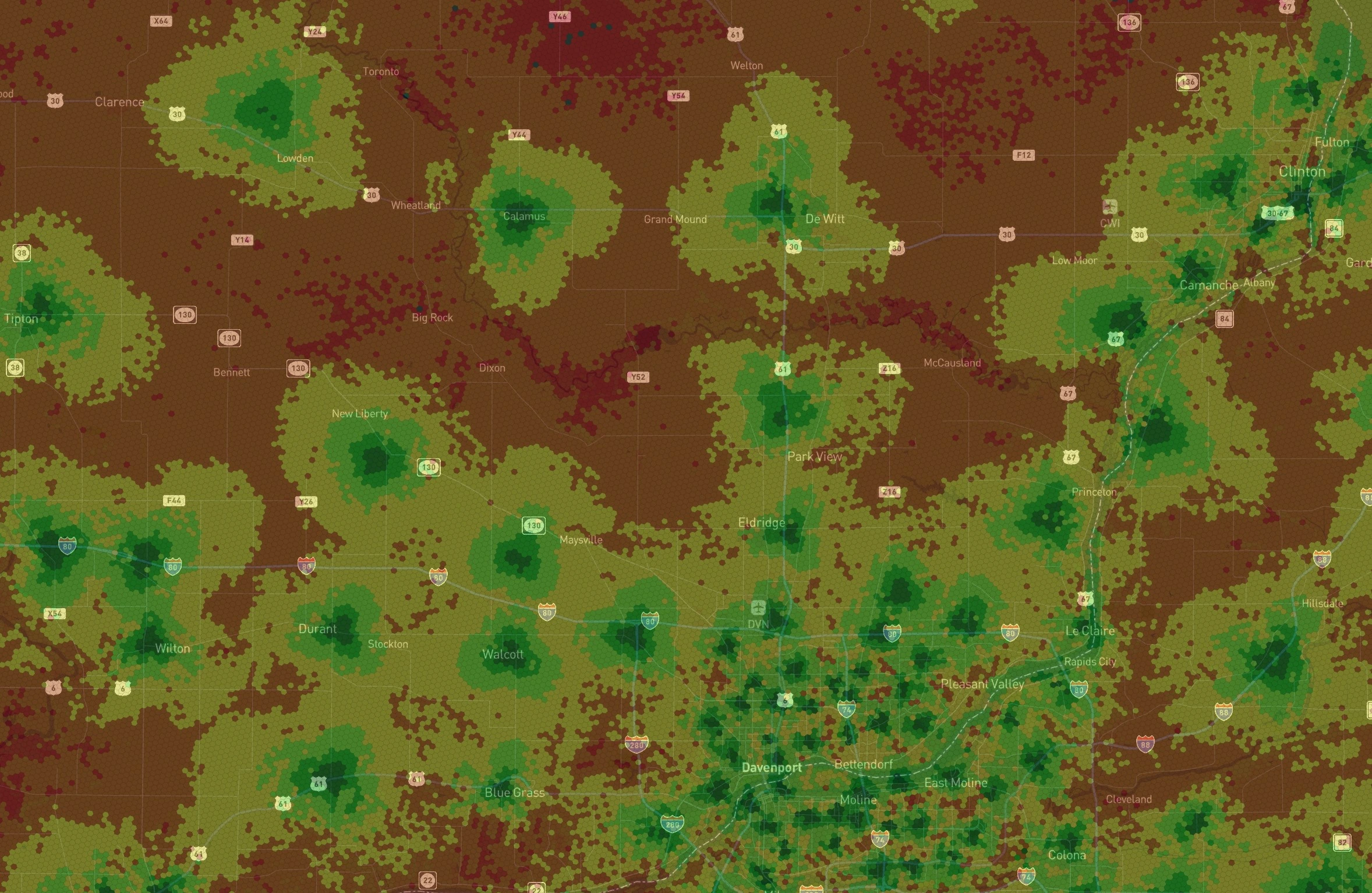
We use publicly available FCC signal strength data and show the full level of detail, where darker green hexagons represent stronger signal and darker red hexagons represent weaker signal. For measurements taken by real devices instead of carrier-reported estimates, see the Crowdsourced Map.
- Group hexagons together to form larger hexagons
- Average estimated minimum signal strength values
- Compare tower propagation characteristics between carriers
FCC Signal Strength Map Features
Use helpful filters to browse the map data and compare signal strength between carriers in your area.
Filter by Carrier
View signal strength maps for all major carriers like AT&T, T-Mobile, and Verizon, and regional carriers.
Filter by Network Technology
Switch between 3G, LTE, and 5G layers in a single click.
Helpful Color Styles
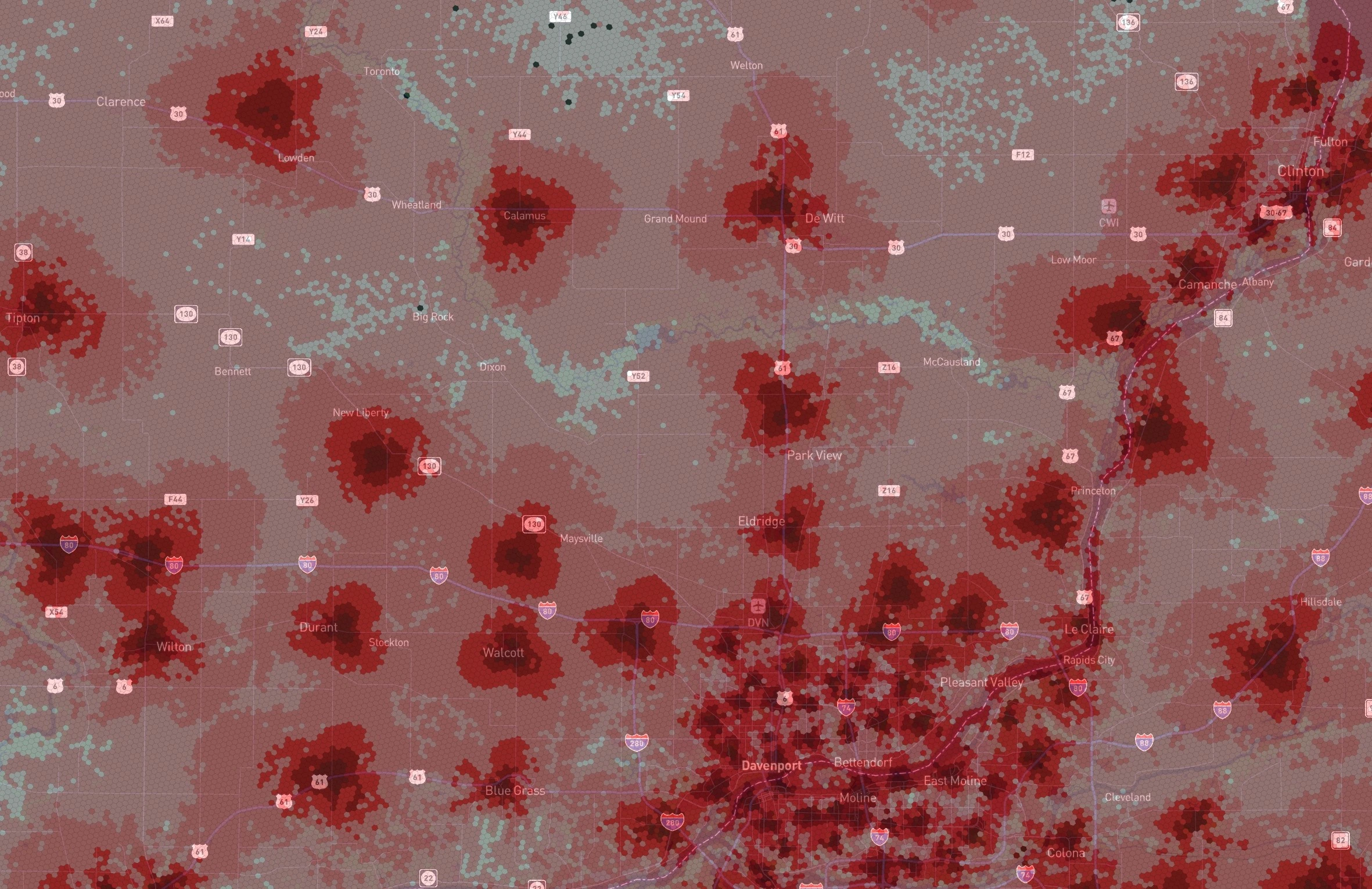
Use Heat Map or monochrome views to compare reception quality more clearly.
Helpful Color Styles
Compare reception quality using the visual style that best fits your workflow.
How can you contribute?
Users run speed tests and upload real-world performance data. As new tests come in, the map updates in real-time to give everyone a clearer picture of coverage quality.
Create a free account
Create a free account to unlock your personal map, leaderboard points, and achievements.
Run tests
Run tests in the free Coverage Map app. Results are processed in real-time and appear on the map in minutes.
Explore the map
Compare network performance, apply custom filters, and see which carriers perform best in your area.