Build with CoverageMap, open sourced
We're opening up the tools that power CoverageMap, starting with @coveragemap/speed-test — a free library that gives any app access to our speed testing network and infrastructure.
npm install @coveragemap/speed-testimport { SpeedTestEngine } from '@coveragemap/speed-test'
const engine = new SpeedTestEngine({
application: {
id: 'a1b2c3d4-e5f6-7890-abcd-ef1234567890',
name: 'My App',
version: '1.0.0',
organization: 'My Org',
type: 'web',
},
})
// Runs latency -> download -> upload against the nearest server
const result = await engine.run()
console.log(result.results.measurements)Sharing what we built
CoverageMap runs on real-world, crowdsourced data. Open sourcing our tools lets developers plug into that ecosystem and makes the maps better for everyone.
What's available today
We're just getting started with one package on npm now, with more CoverageMap libraries planned.
More on the way
We plan to open source more of the libraries that power CoverageMap. Watch the GitHub organization for new releases.
Up and running in minutes
Install from npm
Requires Node.js 20 or newer and works with any modern bundler.
Create an engine
Add your application metadata so every result is attributed to your app.
Run the test
Latency, download, and upload run against the nearest server automatically.
Read the docs
Explore the protocol spec, API reference, and backend integration guides.
npm install @coveragemap/speed-testWhat you can build
From consumer apps to backend monitors, the same engine adapts to wherever you need accurate measurements.
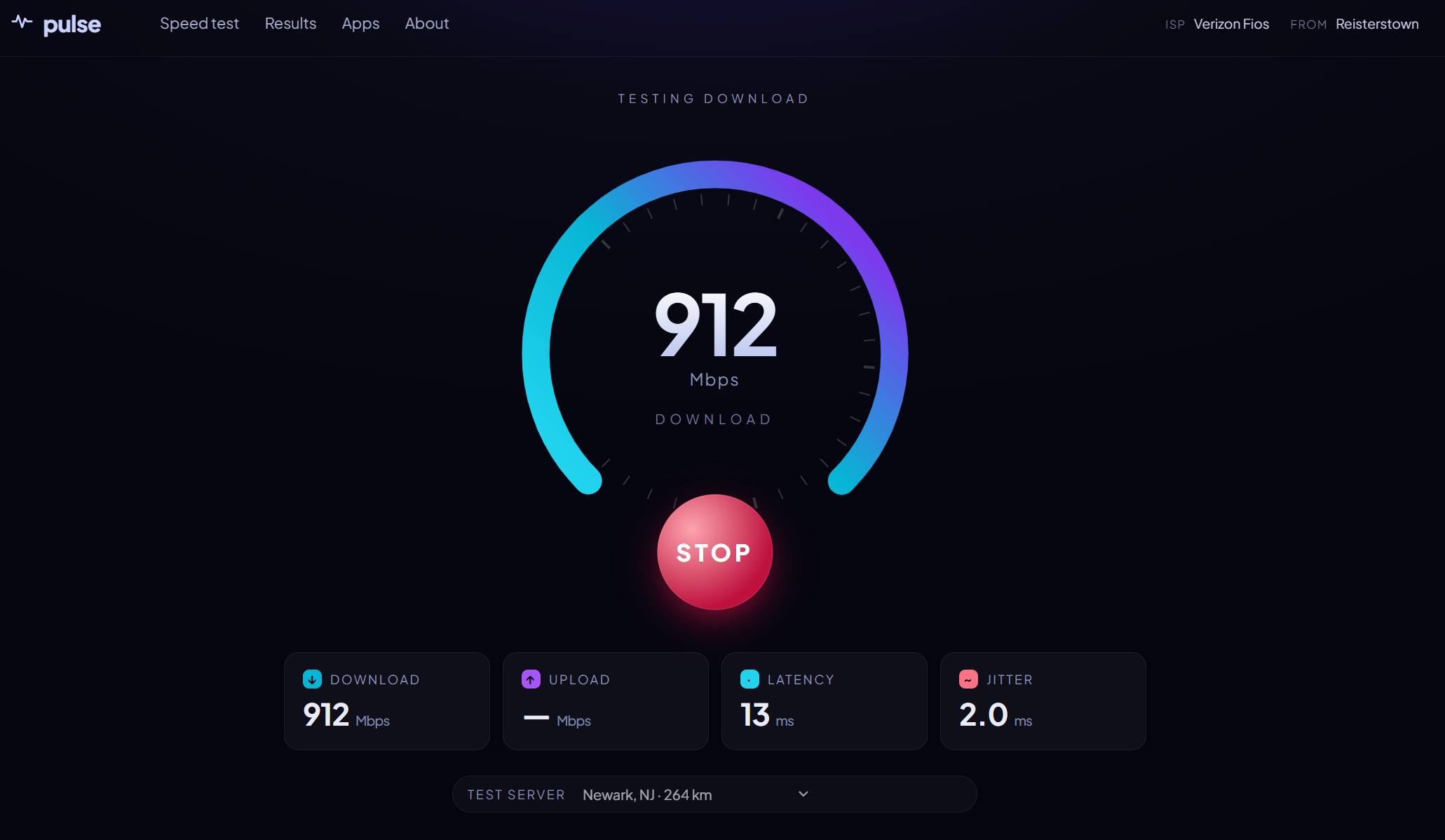
Consumer speed test app
Build a branded speed test at your own domain. Embed the engine in React, Vue, Svelte, or plain HTML with live download, upload, and latency gauges. It runs entirely client-side, so no backend is required.
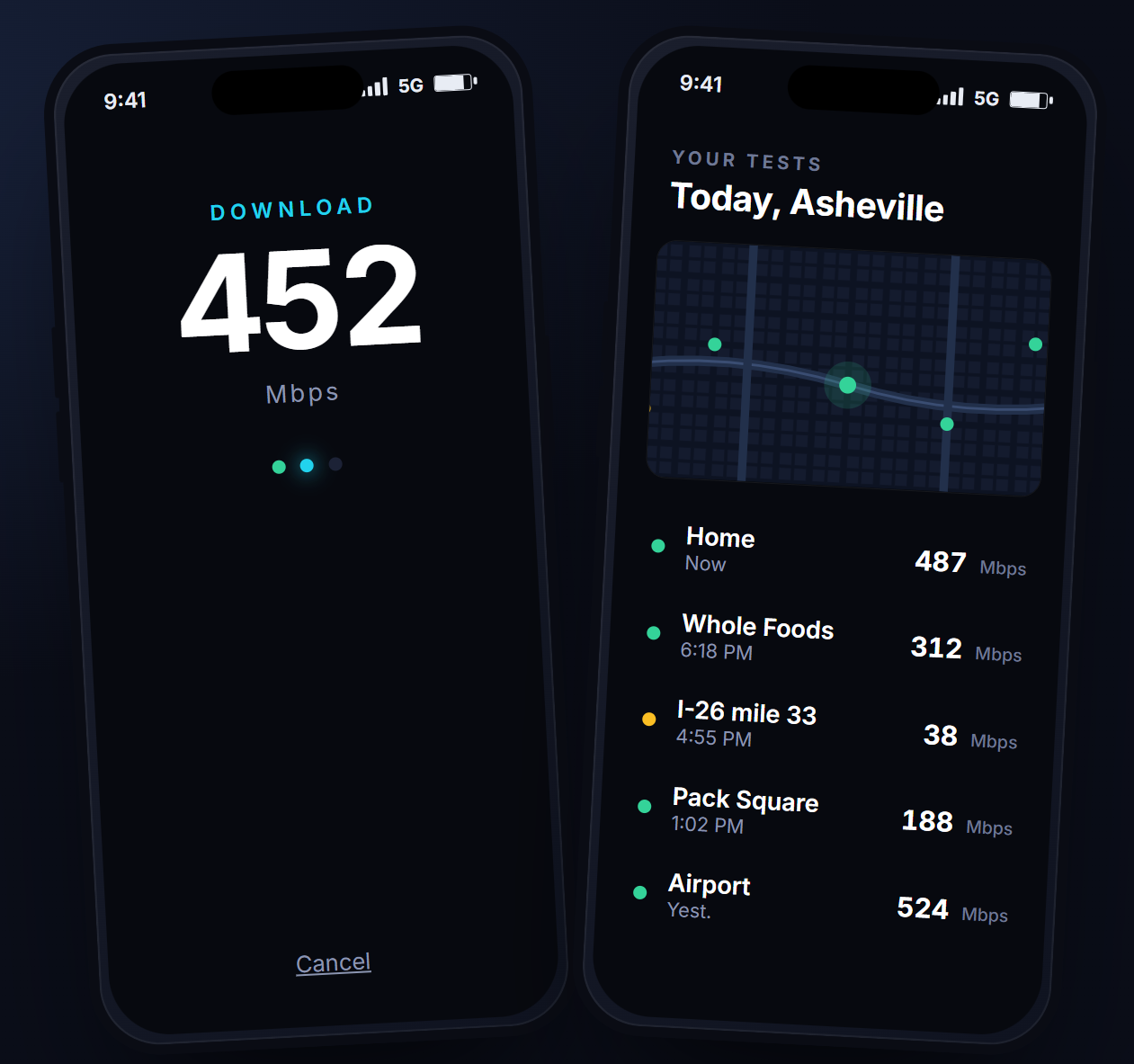
Mobile coverage app (WebView)
The browser-mode library runs inside WebView environments. Pair it with device location APIs and cell telemetry SDKs to capture geolocated cellular measurements from a hybrid mobile app.
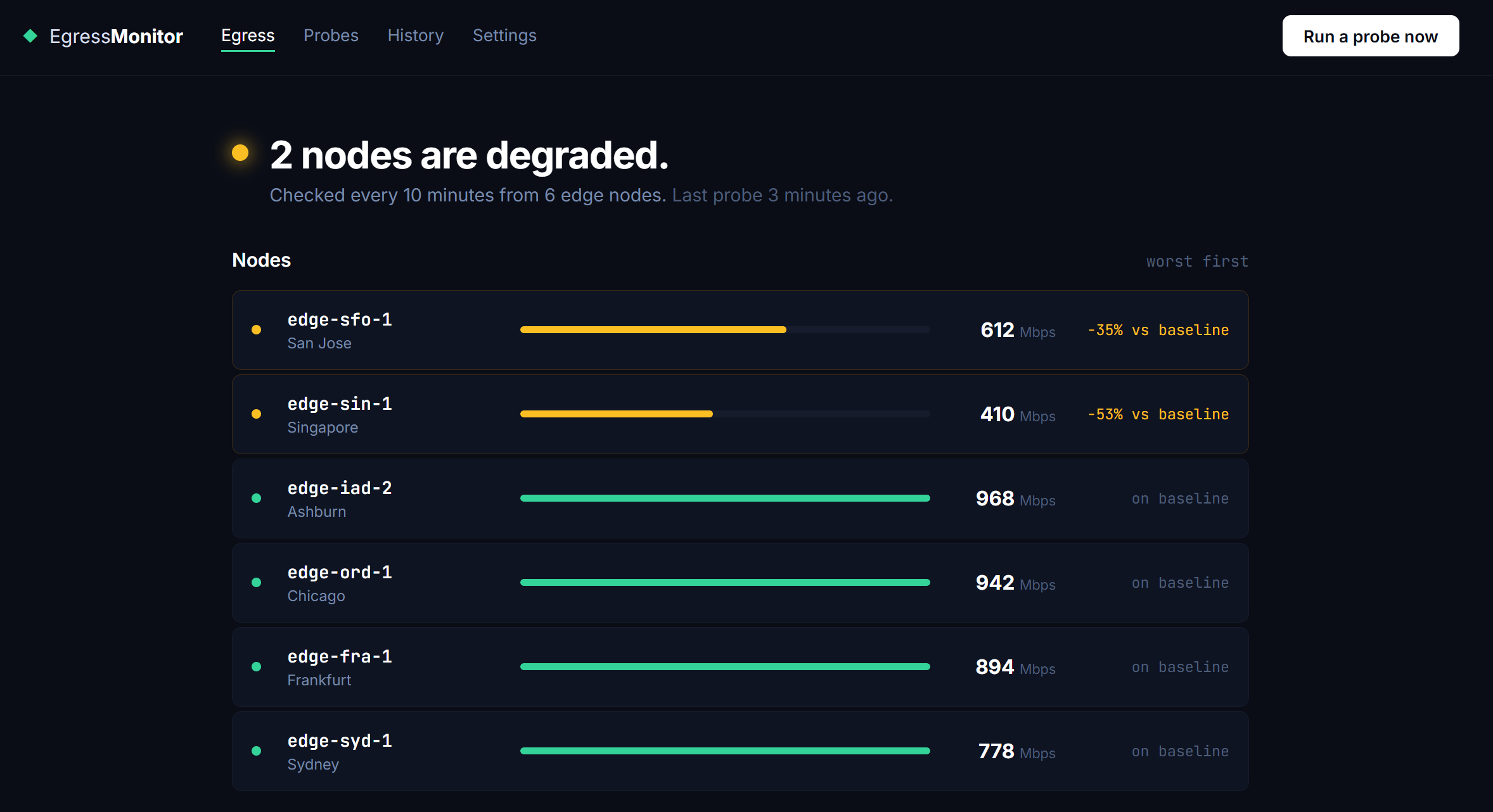
Network monitoring dashboard
Use the Node.js backend mode to run scheduled speed tests from your servers or edge nodes. Continuously monitor egress bandwidth from your infrastructure and alert on degradation over time.
Where your results go
When a user runs a test through your app, the result does three things. You get free infrastructure; CoverageMap gets richer data.
While all tests are collected, not all are added to the map. Tests must satisfy certain conditions to be mapped.
- Run tests in response to a genuine need — user-triggered measurements, reasonable monitoring, or one-off diagnostics.
- Automated or scheduled tests must run no more than once per 10 minutes per application.
- Always provide accurate application id, name, and organization metadata so tests can be attributed.
CoverageMap may rate-limit or block any application ID found to be abusing the infrastructure. For high-volume use cases, reach out before deploying.
Frequently asked questions
Everything you need to know before you start building.
How much does it cost?
What are the requirements?
What happens to my test results?
Are there rate limits?
Can I use it in a commercial product?
Will there be more libraries?
Start building
Install the package, read the docs, and ship real-world speed testing in your own product. Issues and pull requests are welcome.
Want the full story? Read the announcement